
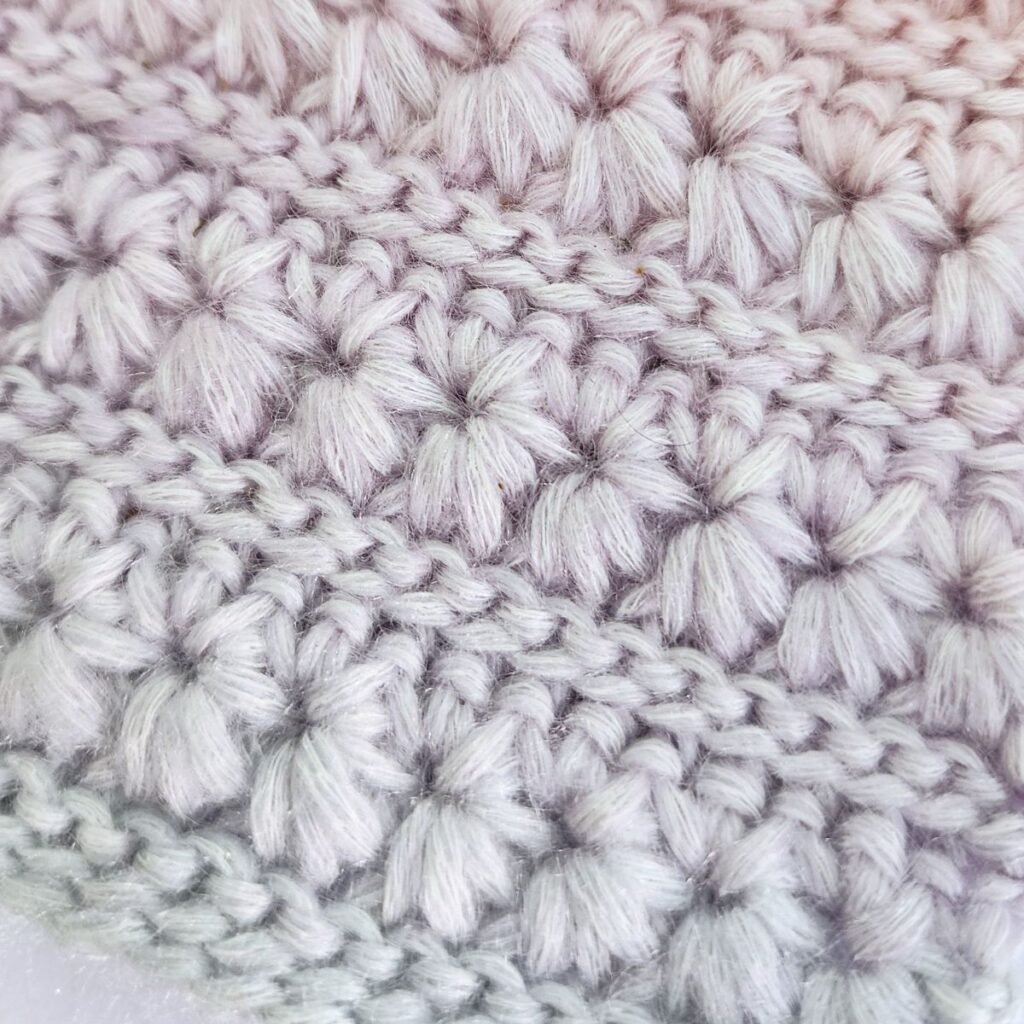
One of the things I love most about crochet is that you don’t have to follow a pattern exactly.
You can see a stitch you love and think:
“What if this became a scarf?”
“Could I turn this into a blanket?”
“Would this work for a bag?”
“Can I make a sweater with this?”
That’s where things start getting really fun… and also where the questions usually begin 😅
How many stitches should I start with?
How much yarn will I need?
Will this stitch actually work for the kind of project I want?
The good news is that you don’t need to guess.
Starting with an idea? Use the Starting Stitch Calculator
If you’re working with simpler stitches or you just want a rough place to begin, the Starting Stitch Calculator can help estimate your starting stitches.
This is especially useful when you’re:
- turning a stitch pattern into a scarf
- changing the size of a blanket
- experimenting with your own ideas
- adapting an existing pattern
- quickly testing a design idea
The calculator uses information like:
✓ project type
✓ dimensions or size
✓ gauge
✓ stitch repeats
to help you begin without starting over five times.
→ Try the Starting Stitch Calculator
Taking an idea further
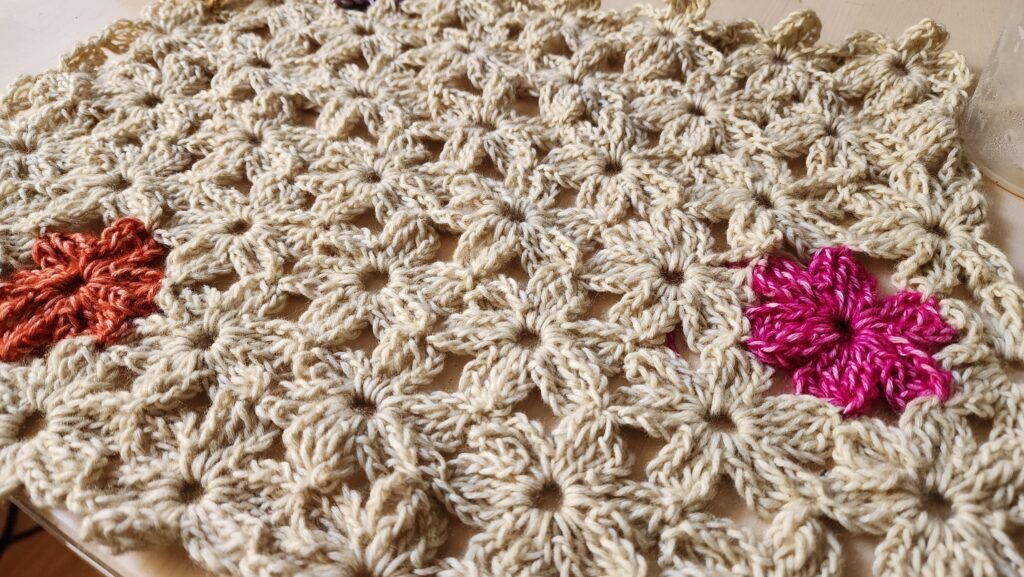
If you’re creating something simple, the Starting Stitch Calculator can often get you close enough to begin.
But maybe you find a stitch in the stitch tutorials and suddenly start thinking:
“This would make a beautiful blanket.”
“I wonder if this could work for a bag.”
“Could I turn this into a sweater?”
That’s usually where things start getting interesting.
Different stitches can behave very differently. Some create soft drape, some become thick and structured, some stretch more, and some use much more yarn than you might expect.
One of my favourite ways to use the tools together is:
Find a stitch you love → make a small swatch → see how the fabric feels → use that information to plan your project
Sometimes you discover that the stitch you picked behaves completely differently than expected. A stitch that looked perfect for a bag might create too much drape. A stitch that seemed simple might suddenly create beautiful texture for a blanket.
That’s where the Project Planner becomes useful.
Once you have a swatch you like, you can start planning around your own fabric instead of relying on general estimates.
For the most accurate results, try entering as much information as possible:
✓ swatch measurements
✓ swatch weight
✓ yarn weight per ball (g)
✓ yarn length per ball (meters or yards)
✓ stitch information
The more information you enter, the more accurate the estimates become.
And if you include all of this information, the Project Planner can estimate not only your stitch counts, but also:
✓ approximate yarn yardage needed
✓ estimated yarn weight needed
✓ whether you already have enough yarn to start
Which is especially useful when you’re working from stash yarn or trying to avoid buying too much “just in case.”
The planner also includes lots of built-in project options, so you don’t have to calculate everything manually.
You can choose projects such as:
- blankets
- bags
- sweaters
- garments
- scarves
- shawls
- rugs
- accessories
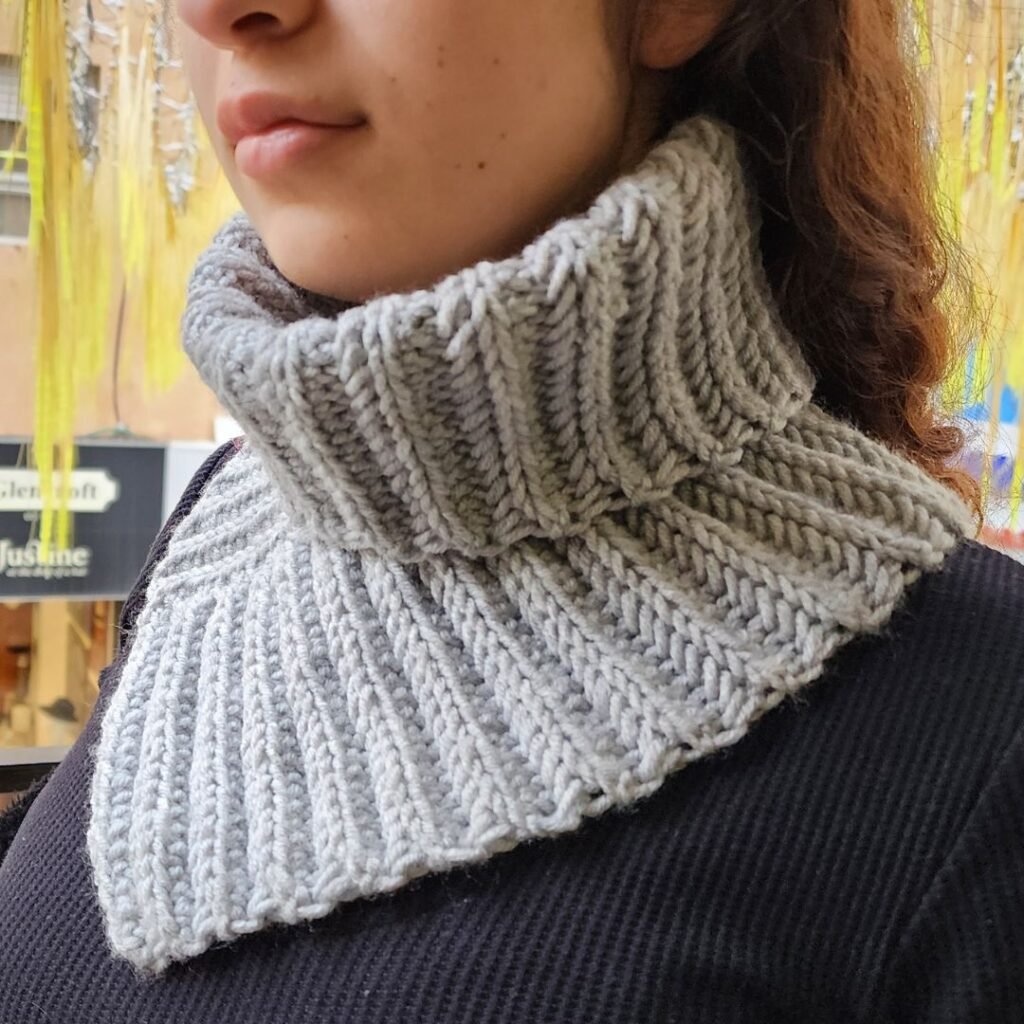
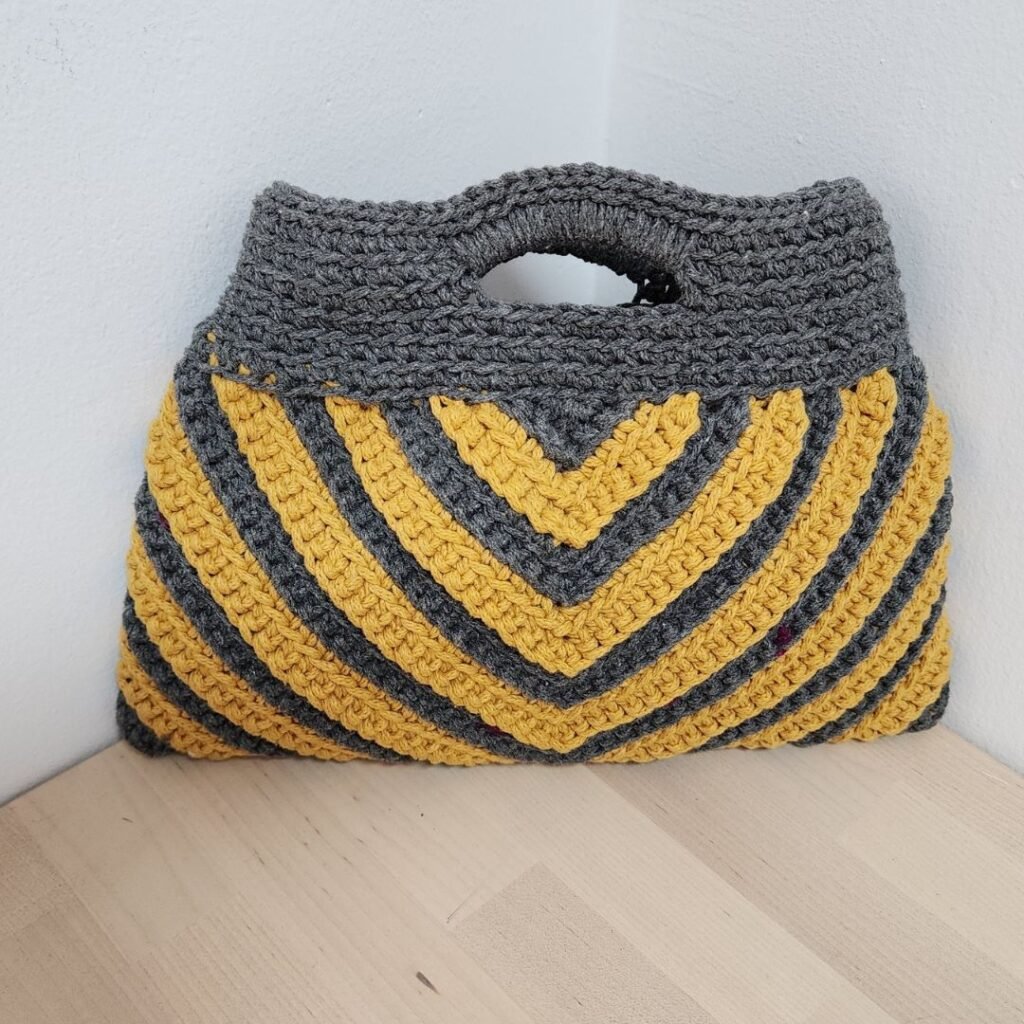
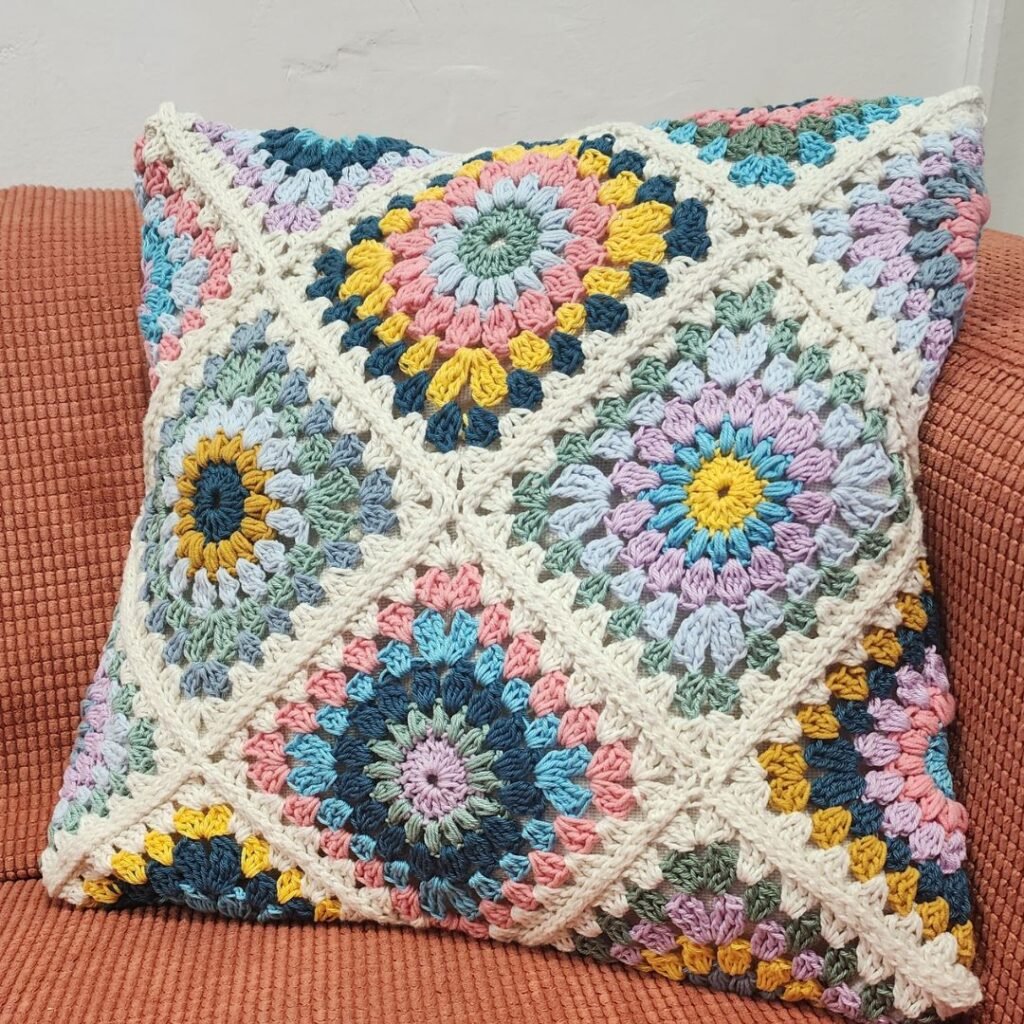
with sizes ranging from baby sizes through adult sizes, as well as custom options if you’re creating something unique.
You can also enter stitch repeat information so the planner works with the stitch you’ve chosen rather than giving you numbers that don’t fit your pattern.
For example, if your stitch uses:
multiple of 6 + 2
you would enter:
Repeat: 6
Extra stitches: 2
You can also include any starting chains needed for the first row.
Even if you don’t have every piece of information yet, the planner can still help. With partial information you can still get useful estimates such as starting stitch counts and begin experimenting with ideas.
The stitch tutorials, Starting Stitch Calculator and Project Planner are designed to work together:
Find a stitch → test it → plan it → create it
Instead of spending time guessing, you can spend more time actually making.
